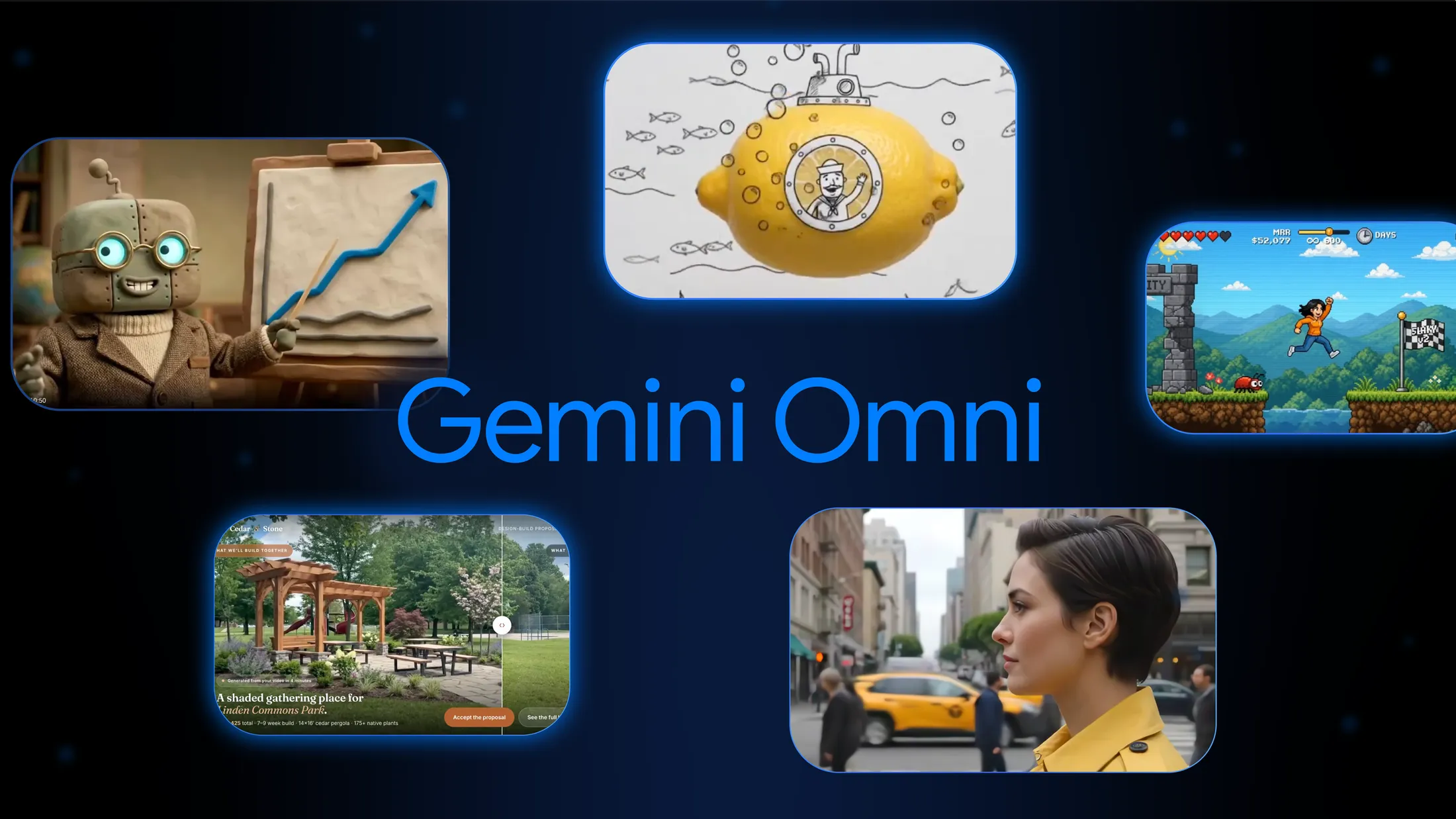
I have the launch details from the last round. I’ll pull a few extra official visuals so the post reads like a finished article rather than a recap.# Google’s Gemini Omni 1.1 Flash Moves AI Video From Clips to Directed Scenes
Google just gave its conversational video model a production-minded upgrade. , announced August 27, 2026, adds longer scene extensions, keyframe control, cheap 360p drafts, and 4K finishing — the controls creators have been asking for since Omni first appeared at Google I/O in May.
Google’s framing is blunt: the original Omni model proved you could generate and edit video by talking to it. Version 1.1 is meant to make that workflow usable for real production, not just demos.
Gemini Omni is not another standalone text-to-video box. It is Google DeepMind’s attempt to fuse Gemini’s reasoning with video generation. You can feed it text, images, audio, and video, then keep editing the result in conversation. Characters are supposed to stay consistent. Physics is supposed to hold. The scene is supposed to remember what came before.
When Omni Flash launched in May, Google called it “Nano Banana, but for video.” The idea was iterative: change the background, restyle the action, move the camera, without rebuilding the clip from scratch. It rolled out in the Gemini app, Google Flow, and YouTube Shorts. All outputs carry an invisible SynthID watermark plus C2PA credentials.
That first version was impressive and limited. Clips were short. Scene extensions barely looked backward. Resolution topping out at 720p made the work feel like a preview, not a deliverable. Omni 1.1 is Google’s answer to those gaps.
The headline feature is scene extension with memory. Earlier models mostly referenced the last second of footage when continuing a clip. Omni 1.1 can read up to 10 seconds of prior context, then append another 10 seconds. Repeat that and you can reach a 40-second sequence. That is still short by traditional editing standards, but it is a different category from stitching together disconnected 8-second generations.
Google product managers Anish Nangia and Alisa Fortin say the extra context is what makes the model “production-ready for professional use.” The claim is consistency: the same face, the same lighting logic, the same narrative beat across a longer stretch of time.
The second control that matters is first and last frame interpolation. Give the model a starting frame and an ending frame, and it generates the motion between them. That is how you get orbits, zooms, whip-pans, and loops without hoping a text prompt invents the camera path.
Then comes the practical workflow Google clearly designed for studios and developers:
In Flow, Google is packaging the same idea for subscribers: draft on the phone at 360p, then export a sharper master. Start-and-end frames are rolling out there too. Scene extension is also coming to the Gemini app for AI Plus, Pro, and Ultra users.
Most AI video news still sounds the same: sharper frames, slightly longer clips, a new demo of a fox in the snow. Omni’s bet is different. It treats video as a conversation with state.
That matters because production pain is rarely “I cannot generate a pretty five-second shot.” The pain is revision. Legal wants one line of on-screen text changed. The client wants a different camera move. The brand needs the same spokesperson in a new room. Traditional pipelines mean a reshoot or a full regen. Conversational editing is Google’s attempt to make that a note, not a restart.
The model also inherits Gemini’s world knowledge. Google has leaned on that since the May launch: claymation explainers of protein folding, historically specific objects, physics that do more than approximate motion. Omni is supposed to know what a thing is, not just what it looks like. Whether that holds up at 40 seconds is the question 1.1 exists to test.
Adobe Firefly, Figma Weave, Runway, and GMI Cloud are already named as early users of Omni Flash. Figma Weave’s creative director, Itay Schiff, put the shift cleanly: extensions, richer references, and 4K take teams “beyond generating videos to truly directing them.”
Developers can use gemini-omni-1.1-flash in Google AI Studio and the Gemini API. Enterprises can call it through the Gemini Enterprise Agent Platform. Paid Gemini subscribers get it in Flow; scene extension is rolling out in the Gemini app.
API pricing is token-based. Video output is listed at $17.50 per million tokens, which works out to roughly:
| Resolution | Approx. cost per second |
|---|---|
| 360p | $0.03 |
| 720p | $0.10 |
| 1080p | $0.15 |
| 4K | $0.30 |
A 10-second 720p clip is about a dollar. Input is $1.50 per million tokens. There is no free API tier for Omni. That puts 720p Omni in the same neighborhood as Veo 3.1 Fast, while Veo 3.1 Lite can undercut it at some resolutions. Omni’s pitch is not cheapest-per-second. It is control plus iteration.
Forty seconds is progress. It is not a short film. Extension only appends to the end; you cannot insert a beat in the middle or prepend a new opening. Uploaded real-world footage cannot be edited in the EEA, Switzerland, or the UK, though model-generated clips can. Voice editing of existing audio is still off the table. English is the fully supported prompt language. Safety filters apply, and recognizable-person restrictions remain in some regions.
There is also a quiet technical asterisk on the 4K headline. Higher resolutions are upscaled. If you need native 4K generation with cinematic camera language, Veo is still the specialist in Google’s stack. Omni is the multimodal editor that talks back.
Google now has two video stories running in parallel. Veo is the render engine. Omni is the director’s chair: multimodal input, conversational revision, world knowledge, and now enough length and finishing control to look like a production tool instead of a toy.
That split will confuse some users. It also makes strategic sense. One model that is great at pretty shots is easy to copy. A model that can hold a character, accept a keyframe, remember ten seconds of context, and take notes in plain language is closer to how video actually gets made.
Omni 1.1 will not replace an editor. It may replace a lot of the waiting that happens before an editor ever opens the timeline. For developers building creative tools, that is the real launch: not another demo reel, but an API that can draft, extend, and finish a scene without starting over every time someone changes their mind.
Try it: Google AI Studio · API docs · Google’s 1.1 announcement