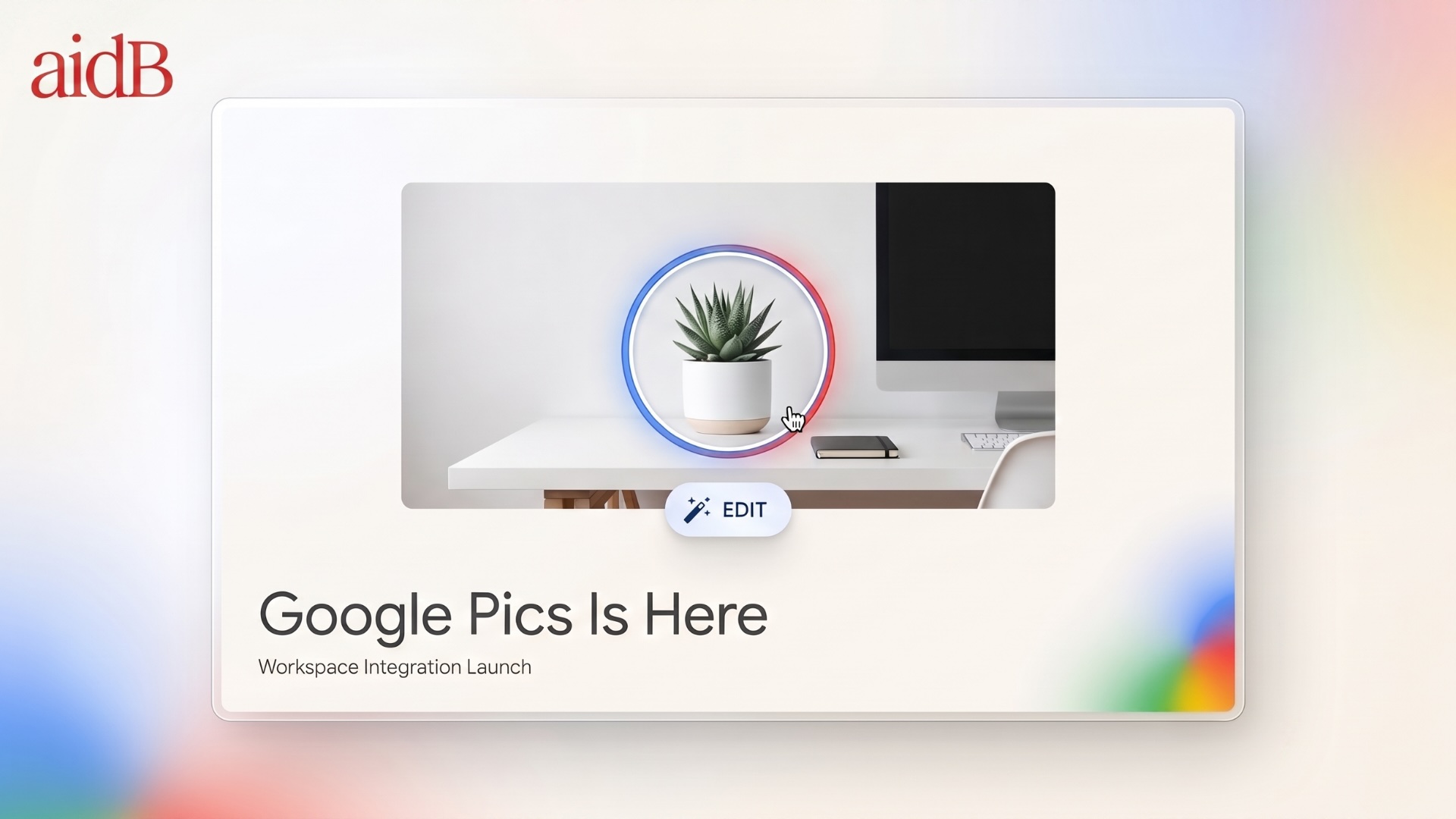
Google just added a new kind of image editor to the apps millions of teams already use every day.
Google Pics, first previewed at I/O in May, began rolling out on September 1, 2026 as both a standalone web app and an integrated editor inside Google Docs and Slides.
The pitch is refreshingly simple:
Stop treating AI image generation like a lottery.
Instead of generating an image, spotting one mistake, rewriting the entire prompt, and hoping everything else survives, Pics lets you click the part that is wrong and change that.
And that seemingly small shift could make AI-generated images much more useful for everyday work.
Image models have become remarkably good at producing first drafts.
The problem starts when you want to change something.
Maybe the cat needs to become a dog. The address on the flyer is wrong. The product needs to sit on a different table. The headline needs translating. One object needs moving three inches to the left.
With most AI image tools, fixing one detail often means rewriting the prompt and regenerating the entire image.
Then something else changes.
The lighting shifts. The composition moves. The text breaks. The character suddenly looks different.
You end up in a familiar prompt-and-pray loop.
Google Pics is designed around the opposite idea.
Built on Google’s Nano Banana image model with Gemini integrated into the experience, Pics treats the elements inside an image more like editable objects in a document.
Click something. Select it. Leave an instruction. Change it.
The product thesis is essentially:
Generative freedom, with local control.
You can start with either a text prompt or an existing image.
Pics can pull files from your computer, Google Drive, or Google Photos, then generate several variations rather than forcing you to work from a single result.
But the real story begins once you enter the editor.
You can:
* Select individual objects and move, resize, replace, or transform them without regenerating the entire image.
* Leave a text instruction on a specific region, almost like leaving a comment in Google Docs.
* Rewrite, reformat, or translate text already embedded inside an image while preserving the surrounding design.
* Crop images for social media, web, print, or other digital formats.
* Upscale images to 2K or 4K.
* Stack multiple edits and use version history to roll back changes when something goes wrong.
Launch coverage says text editing and translation support 29 languages.
Google is also positioning Pics around very practical use cases rather than just AI art.
Think:
Posters. Social graphics. Event invitations. Flyers. Business cards. Product photography. Presentation visuals. Localized marketing materials.
The object-selection workflow is the feature that stands out.
Click the chair. Move it.
Click the headline. Rewrite it.
Click the mascot. Turn it into a different animal.
It is not trying to become Photoshop.
But it is also more than another chatbot that happens to generate pictures.
The interaction feels closer to commenting on a visual draft than wrestling with layers, masks, and complex editing tools.
Google Pics is available as a standalone app at pics.new.
But the more important move is its integration with Workspace.
Inside Docs or Slides, users can select an image and open Pics without leaving the document.
Drive integration is expected in the coming weeks, which means images already sitting inside Drive should eventually become editable with minimal friction.
Finished creations save back to Drive, while collaboration works much like the rest of Workspace: share a link, invite teammates, and work on the same asset.
That may sound like a minor convenience.
It isn't.
Think about how many times someone exports a PNG from Slides, uploads it into Canva or Adobe Express, fixes one thing, downloads the new version, and imports it back into the presentation.
Pics is trying to eliminate that entire loop.
And for non-designers, the Slides integration may be the feature that matters most.
A presentation already contains the copy, context, brand colors, and audience. If someone can fix the hero image without leaving the deck, the barrier between:
"We should probably update that graphic."
and
"I already fixed it."
gets much smaller.
There is also an important distinction in Google's product lineup.
Google Photos is where personal images live. Google Pics is where work images get created and edited.
Google is bundling Pics into existing paid plans rather than selling it as a separate design subscription.
Eligible plans include:
* Google AI Pro and Ultra
* Workspace Business Standard and Business Plus
* Workspace Enterprise Standard and Enterprise Plus
* Google AI Pro for Education
* The AI Expanded Access add-on
Business Starter is currently not included.
Workspace admins also get meaningful controls.
Pics is enabled by default, but administrators can disable it across an entire domain, organizational unit, or group.
If it is turned off, users cannot create Pics files or open Pics files shared with them from outside the organization.
The rollout itself is staggered.
Rapid Release domains began receiving access on September 1.
Scheduled Release domains begin September 15.
Google says visibility may take up to 15 days.
Generative features inside Pics are usage-limited.
Google says customers will receive higher access levels at least through February 28, 2027. After that, limits could change with notice.
Using Pics through Slides also counts against existing Workspace image-generation limits.
That could matter for teams already heavily using Nano Banana-powered image generation across Slides, Vids, and other Google products.
So while Pics may feel bundled into Workspace, generative usage is not necessarily unlimited.
Canva and Adobe Express already dominate the market for people who need to make a respectable graphic before lunch.
Google is not trying to beat them by launching a larger template library on day one.
It is attacking from a different direction:
distribution.
If a company already pays for Workspace Business Standard or higher, Pics simply appears inside the environment employees already use.
No additional design seat.
No new account.
No separate sharing system.
No exporting files between platforms.
Everything stays inside Drive and under the same organizational policies.
That is a compelling argument when procurement teams start asking whether every employee really needs another design subscription.
But Google is not replacing Canva or Adobe Express yet.
Canva still has a massive advantage in templates, brand kits, print workflows, and its third-party ecosystem.
Adobe Express makes particular sense for organizations already deeply invested in Creative Cloud.
Pics has a different sweet spot.
It is strongest when the graphic supports the work rather than being the work itself.
A slide image.
A Doc illustration.
A social asset.
A flyer.
A quick product visual.
A localized campaign graphic.
In those situations, convenience may matter more than having the world's largest design toolbox.
The I/O demos were not flawless.
The Verge watched one demonstration in which Google tried to turn a cat into a dog inside a birthday invitation, and the result apparently still looked suspiciously cat-like.
Early hands-on reports have also noted a pause while Pics regenerates local edits.
It is faster than rerolling the entire image.
But it is not instant.
That means the real test begins now.
Object segmentation is impressive when the model correctly understands where one element ends and another begins.
When it doesn't, users will notice immediately.
There is also a broader product question Google still has to answer.
The company already generates images inside Gemini, Slides, Vids, Search, and other products.
Pics is the first time that capability has received its own dedicated Workspace identity, similar to what Google did with Vids for video.
If those integrations remain shallow, Pics risks becoming another Google tab.
If Drive, Docs, Slides, and the rest of Workspace become deeply connected to it, Pics could become the default place where work-related visuals get finished.
That is a much bigger opportunity.
Start small.
First, confirm that your Workspace or Google AI plan is eligible.
Then open pics.new and either generate or import something simple: a flyer, product shot, presentation hero image, or social graphic.
Now test two things.
Select one object and change it.
Then select one piece of text and rewrite it.
That two-minute experiment will probably tell you more about the usefulness of Pics than any keynote demo.
If you work primarily inside Docs or Slides, select an existing image and check whether the Pics editor is already available.
And if you administer Workspace for an organization, it is worth deciding early whether Pics should remain available to everyone or be limited to teams such as marketing, communications, and design.
Google describes Pics as a way to bring pro-level image editing to people who do not think of themselves as designers.
That promise will depend on one thing:
Whether those local edits reliably work when real employees start clicking on real images.
The announcement is no longer the interesting part.
The interesting part is whether Google can make exporting an image just to change one word on a poster feel unnecessary.